Before You Download
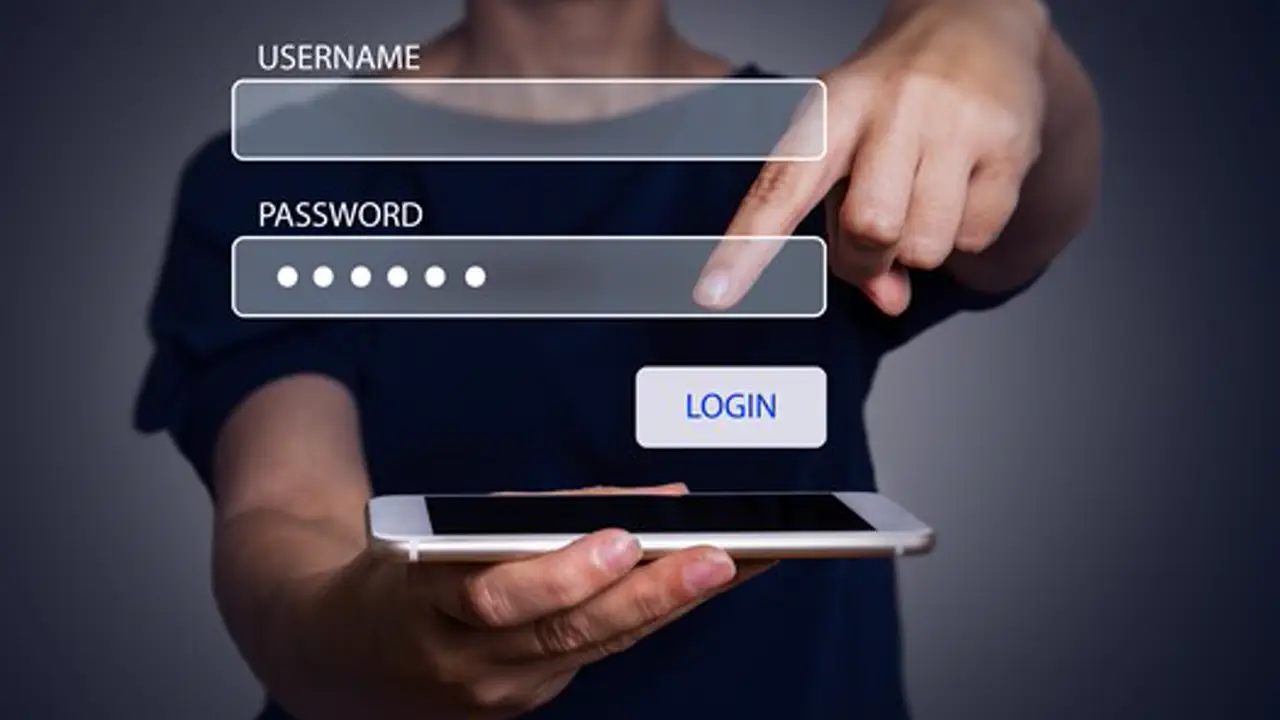
Two checks make this install smooth. First, have your Participant ID and Password ready, because the app asks for them on first open and the login is much calmer when the details are already on paper. Second, use a steady connection for the download and keep some free storage on the phone, so the install finishes in one go.
The file linked on this page is the ExamBPPP APK, version 9.0.0, 3.84 MB. The button above appears after the short countdown, and tapping it starts the download in a new tab. Nothing is hidden behind the countdown.
Installing After the Download
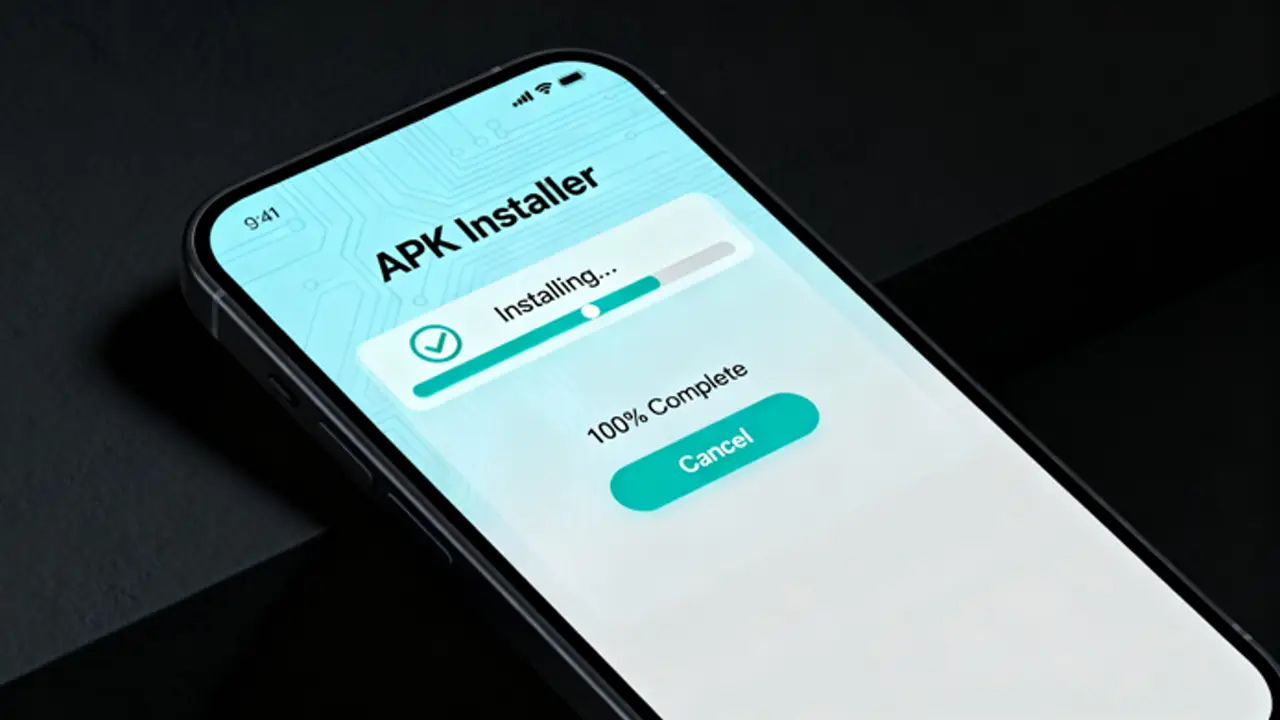
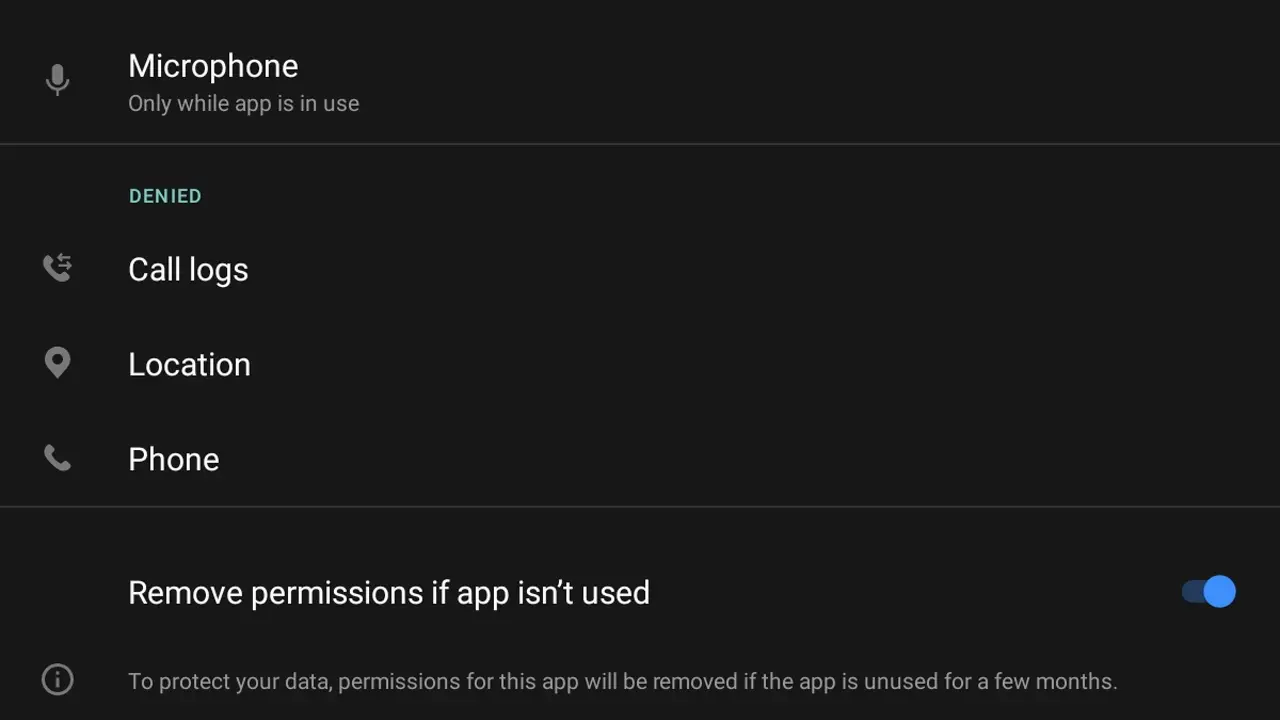
Once the file is downloaded, tap it in your downloads folder. Android will ask whether your browser may install apps; allow it for this file and tap install. Open ExamBPPP from your app drawer, log in with your Participant ID and Password, and let the device checks run.
If Android blocks the install, the cause is almost always the install permission for your browser, not the file itself. Allow installs from that browser in the phone settings and tap the file again. The install takes under a minute on most phones.
Why Download From Here
Every build listed on this site is installed and opened on our own test phones before it goes up: the icon, the first launch, the login screen and the device checks are all run by hand. If a build misbehaves, it does not get published until we understand why.
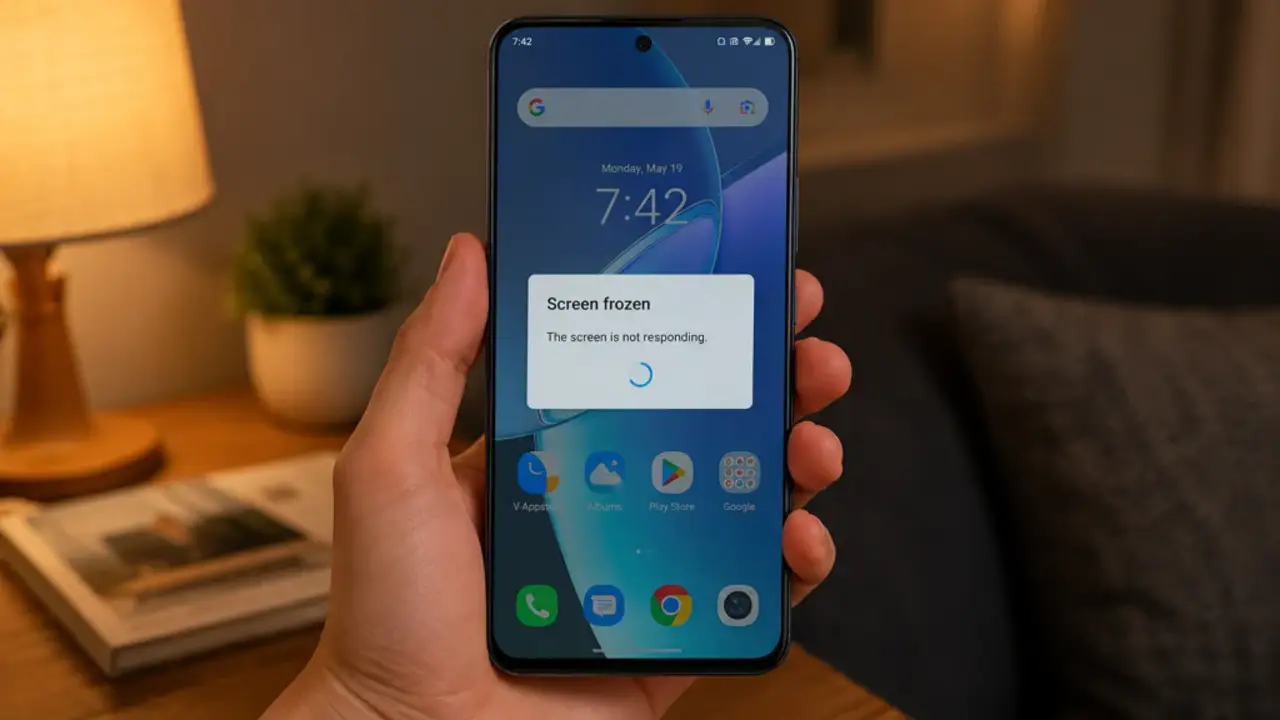
The page also keeps everything in one place: the install steps, the login notes, the device check fixes and the exam day checklist, so a student can prepare without hunting across the web. The testing routine behind it is published in full on the how we review page.