Guide
ExamBPPP Not Opening: 7 Fixes That Work
Seven plain fixes for an app that will not open, in the order that solves most cases fastest.

Contents On this page
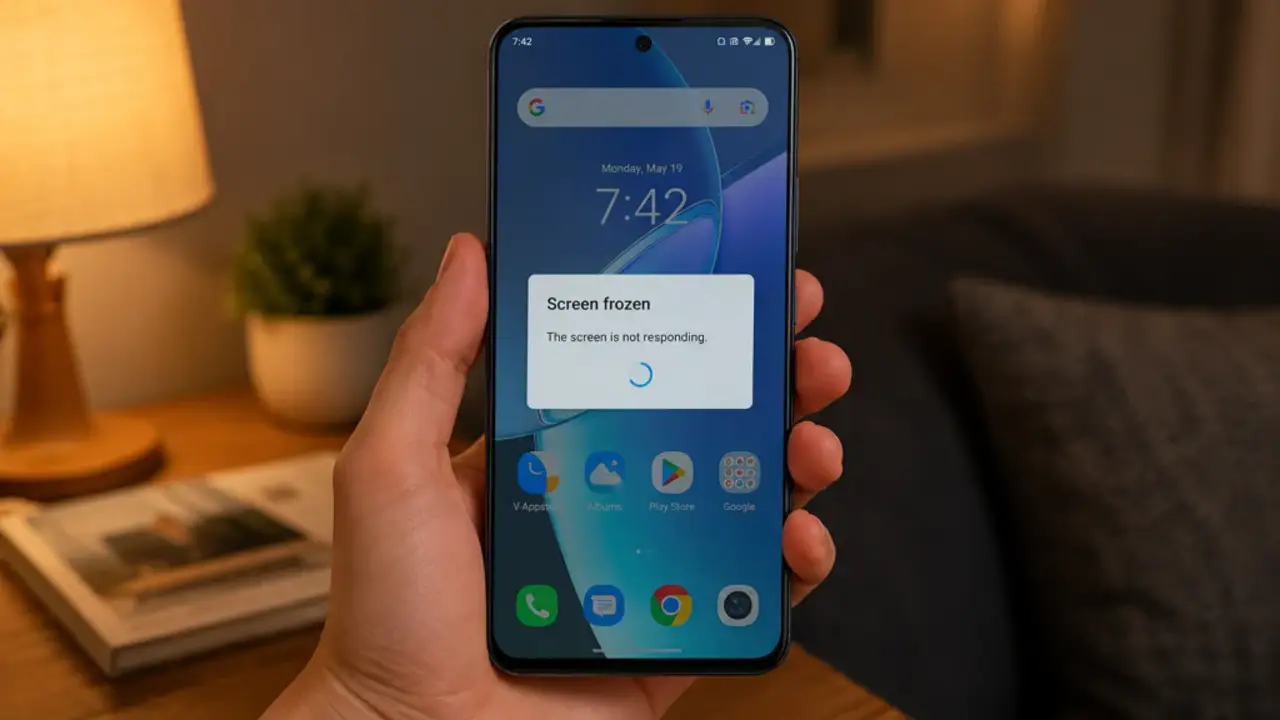
An app that will not open the night before an exam is frightening, and it is usually fixable. This note runs through seven fixes for ExamBPPP APK in the order that solves most cases fastest.
Work top to bottom, and test the app after each fix. Most students are done by fix three.
Fix 1: Restart the phone
Restart the phone and try again. A restart clears stuck processes and is the single most effective fix for an app that will not open. It costs a minute and solves more cases than any other step.
Fix 2: Clear the app cache
Open the phone settings, find ExamBPPP, and clear the cache. Do not clear data yet: clearing data logs you out, while clearing cache only removes temporary files.
Fix 3: Free some storage
A phone with no free storage cannot open apps properly. Delete old videos and unused apps until a few gigabytes are free, then try again.
Fix 4: Update the phone system
An old system version can stop a new app build from opening. Check for a system update on Wi-Fi with the battery above half, install it, and try the app again.
Fix 5: Reinstall the app
Uninstall ExamBPPP, restart the phone, and install it fresh from the ExamBPPP download page. Our install notes cover the install steps, including the permission prompt that appears on a fresh install.
Fix 6: Check permissions and settings
Open the phone settings and confirm ExamBPPP has the permissions it needs, and that no battery saver is force stopping it. Our device check notes explain the device checks, which are the next thing to run once the app opens.
Fix 7: Borrow a working phone
If no fix works, the phone itself is the problem. Borrow a working phone, install the app on it, and test the login there. Our older phone notes cover older phones, including when a borrowed phone is the right call.
Conclusion
Restart, clear cache, free storage, update, reinstall, check permissions, borrow a phone. Seven fixes, in that order, and the app opens for almost everyone.
Quick Answers
Why is ExamBPPP not opening on my phone?
Usually a stuck process, a full cache, no free storage, or an old system version. Restart the phone first, then clear the app cache.
Should I clear data or cache for ExamBPPP?
Clear cache first. Clearing data logs you out, while clearing cache only removes temporary files.
What if ExamBPPP still will not open after reinstalling?
Check the system version and the permissions, and try a different phone. If the phone itself is the problem, borrow a working phone for the exam.
Can a full phone stop ExamBPPP from opening?
Yes. A phone with no free storage cannot open apps properly. Free a few gigabytes and try again.