Guide
ExamBPPP Device Checks: Camera, Microphone and Internet
What the app checks before the first question, and how to fix each failed ExamBPPP device check the day before the exam.

Contents On this page
Before the first question, ExamBPPP exam browser runs a set of device checks: camera, microphone, operating system version, internet, screen resolution and device security. Each check has a plain pass or fail, and this note explains what each one looks at and how to fix it.
Run the checks the day before the exam. Every fix below is quick with time on your side, and every one of them is stressful with ten minutes to go.
The camera check
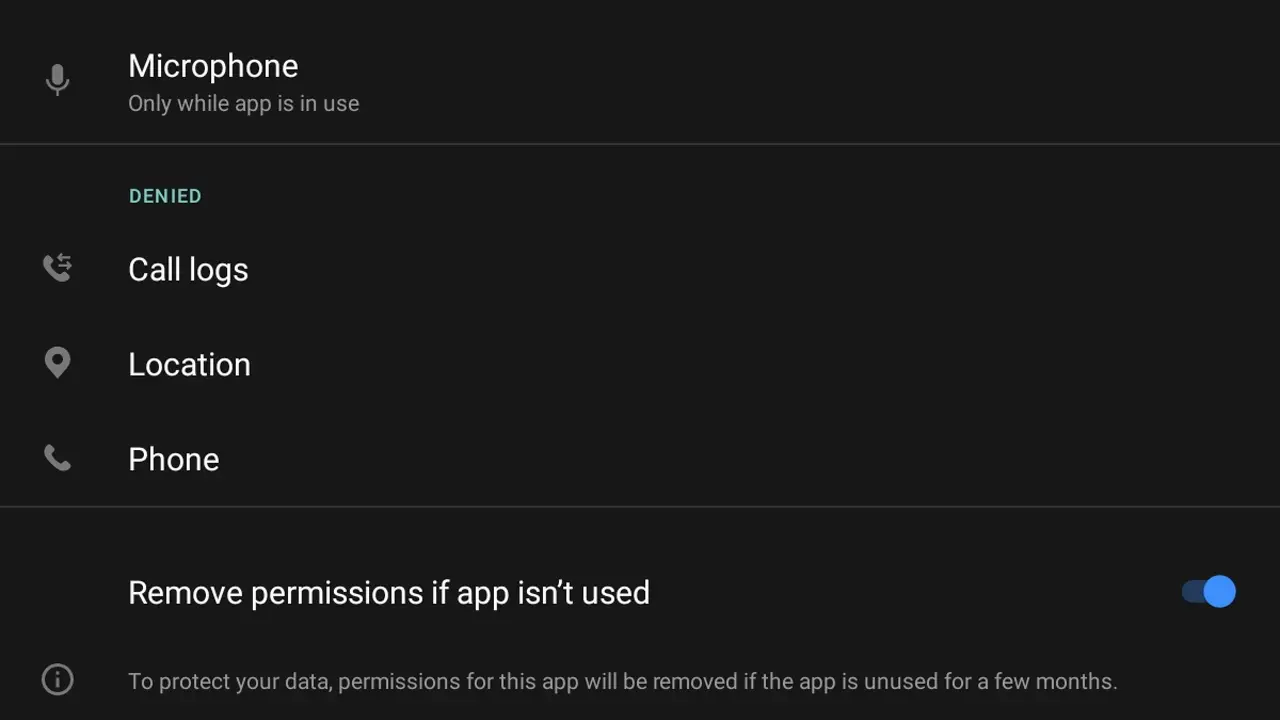
The camera check confirms the front camera works and the app may use it. If it fails, open the phone settings, find ExamBPPP in the app list, and turn the camera permission on. If another app is using the camera, close it first. Our camera check fixes go deeper on the camera check alone.
The microphone check
The microphone check works the same way: it confirms the mic works and the app may use it. Turn the microphone permission on in the phone settings, and test it with a voice note in any chat app. If the mic is dead everywhere, the phone needs a repair, not a setting.
The operating system version check
The app checks that your iOS or Android version is recent enough. An old system can fail this check even when everything else passes. Update the phone software the day before the exam, on Wi-Fi, with the battery above half, and confirm the check passes afterwards.
The internet check
The internet check measures whether the connection is steady enough for the assessment. Stand near the Wi-Fi router or switch to mobile data and try again. A connection that drops every few seconds will fail this check, so test it where you will actually sit the exam.
The screen resolution check
The screen check confirms the display shows the exam layout correctly. A phone set to a very large font or an odd zoom level can fail it, so set the display size back to normal in the phone settings. Our screen resolution notes explain why this check exists and what it measures.
The device security check
The security check looks for a phone state the exam cannot trust, such as a modified system. A normal phone with a screen lock passes it. If your phone is rooted or running a modified system, the check will fail, and the honest fix is a different, unmodified phone.
When every check is green
When every check passes, the app moves to the waiting screen and you are ready. Do not change settings after that point. Close the app until exam time, and reopen it on the same phone with the same connection.
Conclusion
The device checks are six small gates: camera, microphone, system version, internet, screen and security. Run them the day before, fix what fails, and the exam starts on time.
Quick Answers
What does the ExamBPPP device check test?
The app checks the camera, the microphone, the iOS or Android version, the internet connection, the screen resolution and the security state of the device, all before the assessment starts.
Why did my ExamBPPP camera check fail?
Usually the camera permission is off, or another app is using the camera. Turn the permission on in the phone settings and close other camera apps, then run the check again.
Can I skip the ExamBPPP device checks?
No. The checks run before the assessment starts, and a failed check blocks the start until it is fixed.
When should I run the ExamBPPP device checks?
The day before the exam, on the phone you will use, on the connection you will use, in the place you will sit. That is when fixes are still cheap.