Guide
ExamBPPP Camera Check Failed: How to Fix It
The camera check is the most common failed check. Here is every fix, in the order that works.

Contents On this page
The camera check fails more than any other ExamBPPP device check, and it is also the easiest to fix. This note runs through every cause in order, starting with the file from ExamBPPP app if you have not installed it yet.
Work through the fixes top to bottom. Most students are done by the second one.
The camera permission is off
Open the phone settings, find ExamBPPP in the app list, and turn the camera permission on. This is the cause nine times out of ten, and it takes seconds. Then reopen the app and run the check again.
Another app is using the camera
Close every other app that might hold the camera: video calls, camera apps, and social apps with a camera open. Then run the check again. A camera can only serve one app at a time.
Restart the phone
A restart clears a stuck camera driver, which is the next most common cause after permission. Restart, open ExamBPPP, and run the check before opening anything else.
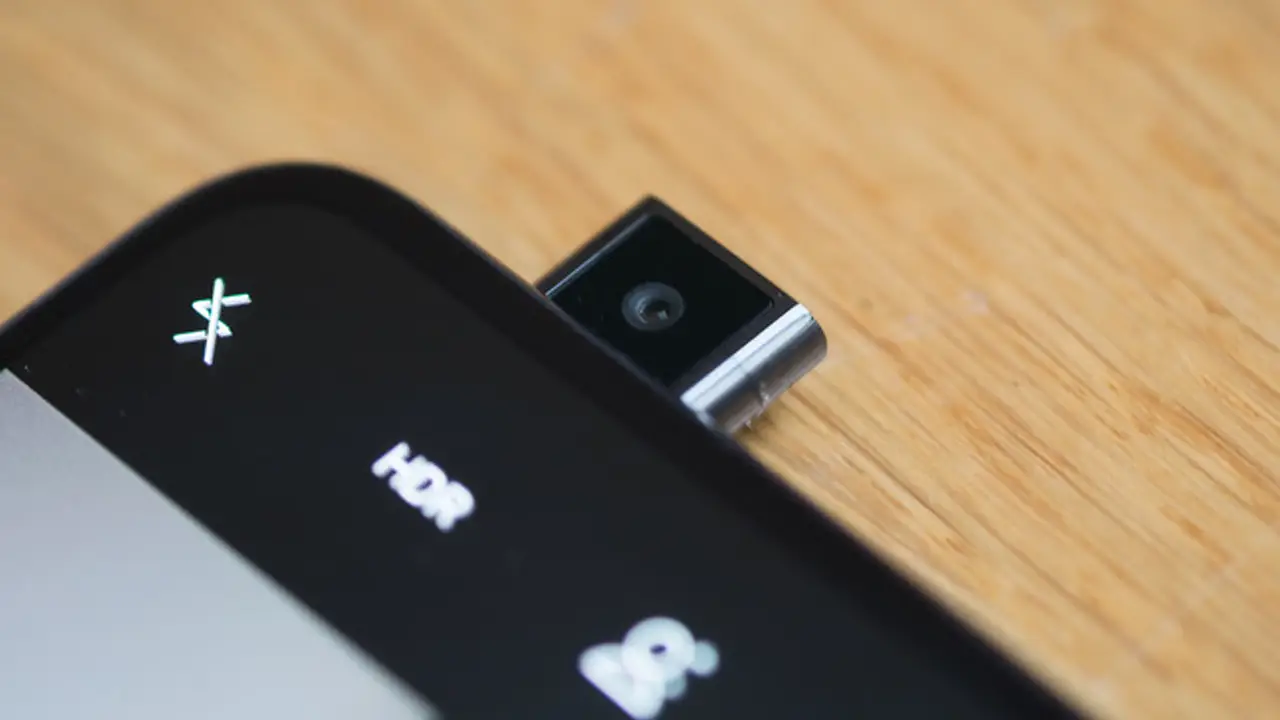
The camera itself is broken
Test the camera in the phone camera app. If it is black or frozen there too, the hardware is the problem, and no setting will fix it. Borrow a working phone for the exam, and log in on that phone instead.
An old system version
An old iOS or Android version can fail the check even when the camera works. Update the phone software on Wi-Fi with the battery above half, then run the check again. Our older phone notes cover older phones in more detail.
Reinstall the app
If the permission is on and the camera works everywhere else, reinstall ExamBPPP and grant the camera permission on first open. Our fixes for an app that will not open cover the reinstall steps and the other fixes that go with them.
Test the fix properly
After each fix, run the device check inside ExamBPPP rather than guessing. The check is the only test that matters, and it must pass on the phone you will sit the exam on.
Conclusion
Camera permission first, close other camera apps second, restart third. That order fixes the camera check for almost everyone.
Quick Answers
Why does the ExamBPPP camera check fail?
Usually the camera permission is off, or another app is using the camera. Turn the permission on in the phone settings and close other camera apps.
How do I turn on the camera for ExamBPPP?
Open the phone settings, find ExamBPPP in the app list, and turn the camera permission on. Then reopen the app and run the check again.
What if my phone camera is broken?
If the camera is black in the phone camera app too, the hardware is broken. Use a different, working phone for the exam.
Does the camera stay on during the ExamBPPP exam?
The camera check runs before the assessment starts. Keep the permission on and do not cover the camera during the exam.