Guide
ExamBPPP Screen Resolution Check: Why It Matters
A phone set to huge text can fail the screen check. Here is what the check measures and how to pass it.

Contents On this page
The screen resolution check is the quietest of the ExamBPPP device checks, and the one students understand least. This note explains what it measures, why it exists, and how to pass it, starting with the file from the ExamBPPP app if you have not installed it yet.
The check is not about owning a fancy phone. It is about the exam layout fitting on your screen the way it was designed.
What the check measures
The check confirms the screen shows the exam layout correctly: questions readable, answer buttons tappable, and nothing cut off at the edges. A phone with a very small screen or a very large display setting can fail it. Our device check notes explain the full set of checks this one belongs to.
Display size and font size
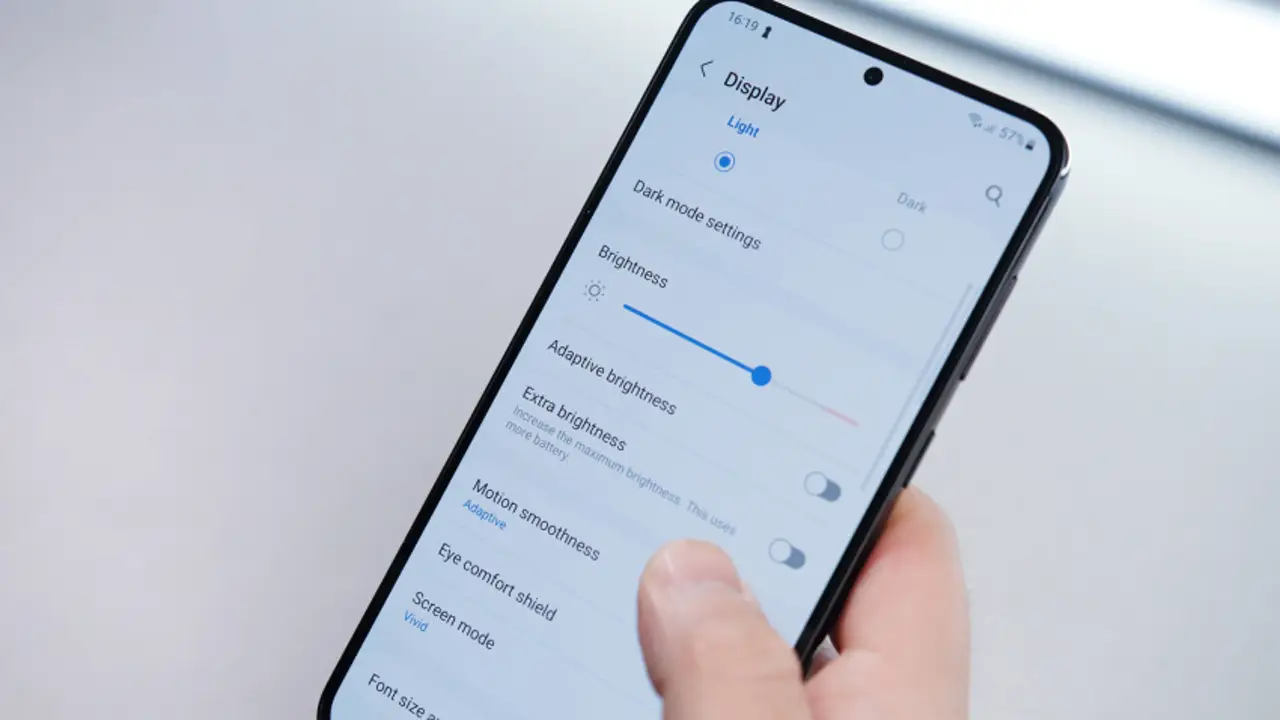
The most common cause of a failed screen check is a display size or font size set to the largest option. Open the phone display settings and set both back to normal or default, then run the check again.
Zoom and rotation
Turn off any screen zoom or magnification before the exam, and keep the phone upright. The exam layout is built for a normal portrait screen, and a zoomed view hides parts of it.
Very small screens
A very small or very old phone can fail the check even with normal settings. If yours does, borrow a phone with a standard size screen for the exam, and test the check on that phone first.
Test it where you will sit
Run the check on the exam phone, in the exam place, with the brightness you will use. A check that passes at home on Wi-Fi should also pass at school, but only a real run proves it. If the app is not on the phone yet, our install notes cover the install first.
After the check passes
Do not change the display settings after the check passes. A font size changed mid exam can shift the layout, and the check will not run again to catch it.
Older phones and the screen check
Older phones fail this check more often, usually on display settings rather than hardware. Our older phone notes cover the full older phone routine, including the settings worth resetting before exam day.
Conclusion
The screen check wants a normal display: default size, default font, no zoom. Set it the day before, test it in the app, and leave it alone.
Quick Answers
What is the ExamBPPP screen resolution check?
It confirms the screen shows the exam layout correctly: questions readable, answer buttons tappable, and nothing cut off at the edges.
Why did my ExamBPPP screen check fail?
Usually the display size or font size is set to the largest option, or a screen zoom is on. Set both back to normal in the phone display settings and run the check again.
Can a small phone pass the ExamBPPP screen check?
Most standard phones pass it. A very small or very old phone can fail, and the fix is a phone with a standard size screen.
Should I change display settings after the check passes?
No. Leave the display settings alone after the check passes, so the layout stays exactly as the app verified it.