Guide
ExamBPPP Login: Participant ID and Password, Explained
Where the Participant ID comes from, how to type it right, and what to do when the ExamBPPP login fails.

Contents On this page
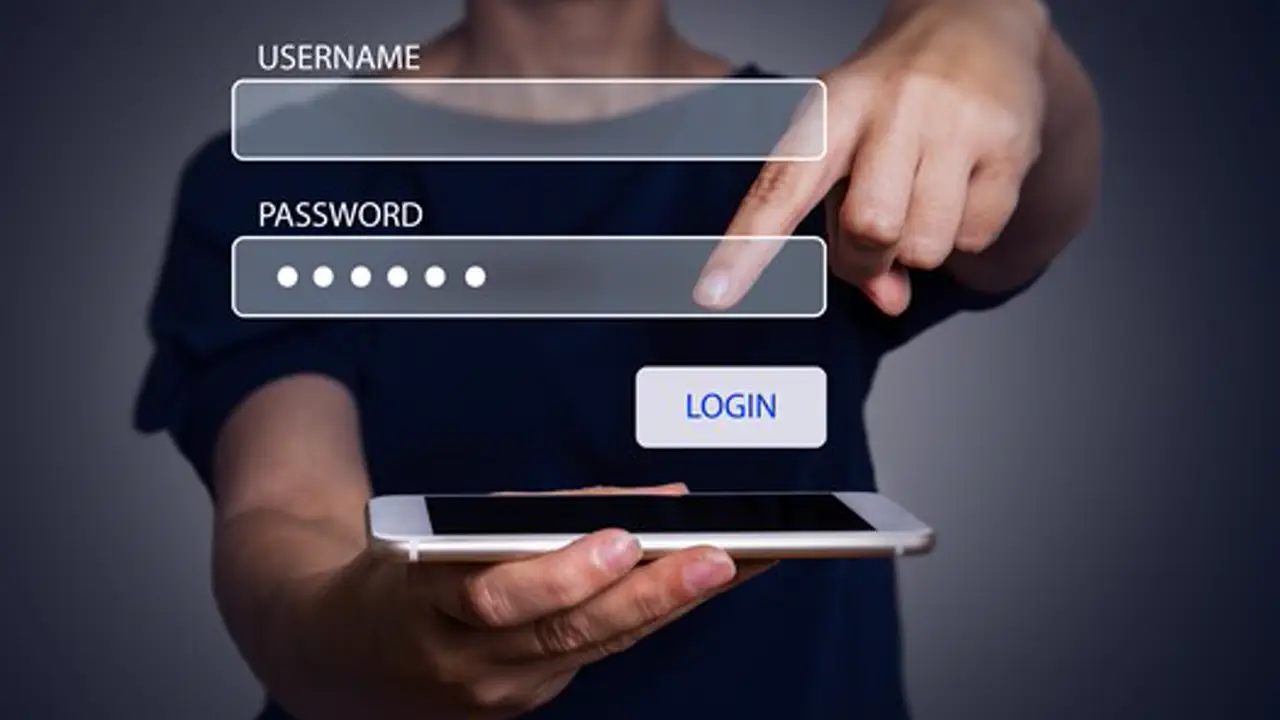
The ExamBPPP login has exactly two fields: Participant ID and Password. Both come from your school, and both must be typed exactly as given. This note explains where they come from, how to type them right, and what to do when the login fails, starting with the file from ExamBPPP app.
Think of the Participant ID as your exam seat number. It tells the assessment system who you are and which paper you sit. The password proves the ID is yours. Neither one is an account you created, and neither one can be changed inside the app.
Where the Participant ID comes from
Your school issues the Participant ID and Password for the ABM 2026 assessment. They usually arrive on a printed slip or through the school channel your teachers use. Keep the slip safe and keep a photo of it as a backup on a second device, never on the exam phone alone.
Typing the ID right the first time
Read the ID character by character and type it slowly. The most common mistakes are a zero typed as the letter O, a one typed as a lowercase L, and a missed character at the end. If the app rejects the login, read the slip again instead of retyping from memory.
The password field
Passwords are case sensitive, so watch capital letters and numbers. If your school gave you a printed password, type it from the paper rather than from memory. Never let another student watch you type it, and never share it in a class chat group.
When the login fails
A failed login is almost always a typing error, so check the ID first, then the password, then the connection. If both are typed right and it still fails, the credentials themselves may be wrong, and only your school can fix that. Our password recovery notes cover what to do when the password itself will not work at all.
One login, one phone
Log in on the phone you will sit the exam on, and stay logged in on that phone only. Logging in on a second phone can confuse the session, and the exam is built around one device per student. Our practice run notes explain why a single practice run on the real exam phone matters more than any other preparation.
Check the login before exam day
Open the app the day before the exam and confirm the login works. That one check costs a minute and catches a wrong password while the school office is still open. Exam morning is the wrong time to discover a credential problem.
What happens after login
A successful login takes you to the device checks, then to the waiting screen for the assessment. If the checks pass and the waiting screen appears, you are ready. Close the app until exam time, and do not log out.
Conclusion
The ExamBPPP login is two fields from your school, typed slowly and exactly. Check it the day before the exam, keep the slip on paper, and let the school fix any credential that will not work.
Quick Answers
What is my ExamBPPP Participant ID?
Your Participant ID is the login name your school gives you for the ABM 2026 assessment. It usually arrives on a printed slip or through your school channel.
Why does my ExamBPPP login keep failing?
Most failed logins are typing errors: a zero read as the letter O, a one read as a lowercase L, or a missed character. Read the slip character by character and try again.
Can I reset my ExamBPPP password in the app?
No. The app has no password recovery screen. Your school issues and resets the credentials, so ask your school if the password does not work.
Can I log in to ExamBPPP on two phones?
No. Use the one phone you will sit the exam on. A second login can confuse the session, and the exam is built around one device per student.