Guide
Forgot Your ExamBPPP Password: How to Get Back In
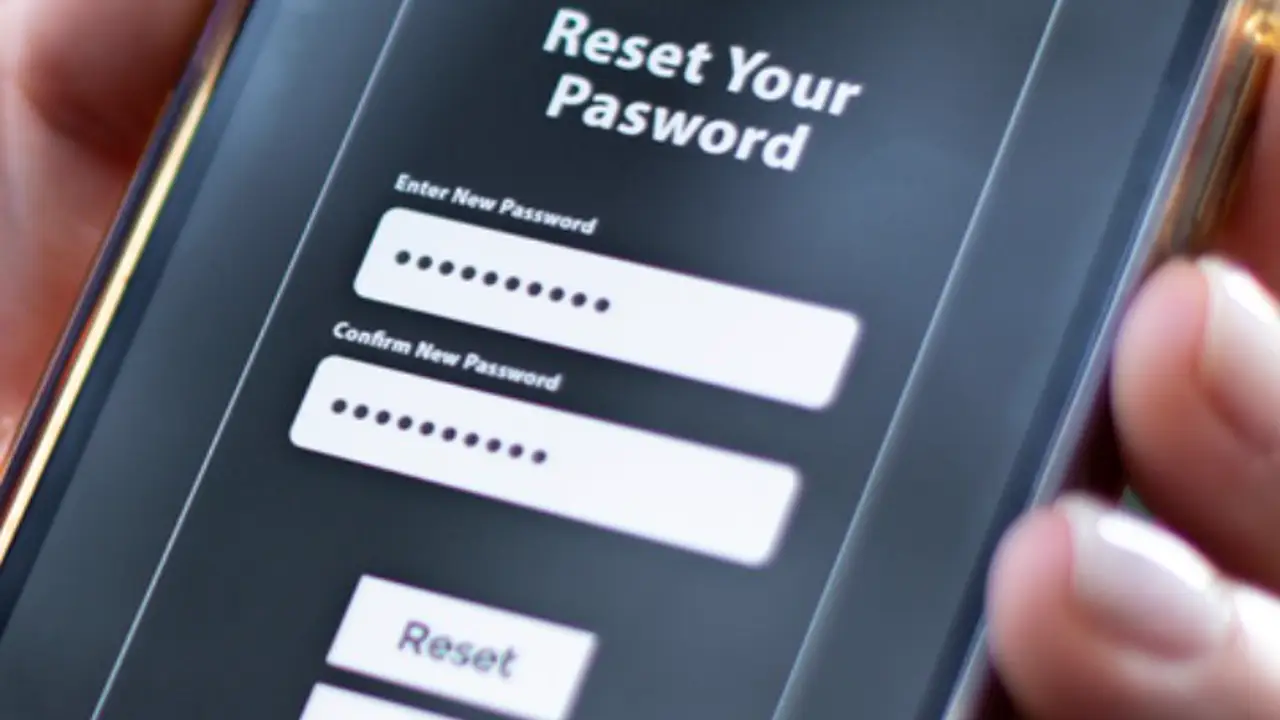
There is no reset button in the app. Here is the real route back to your ExamBPPP login.

Contents On this page
There is no forgot password button inside ExamBPPP for Android, and that is by design: the credentials belong to your school, not to the app. This note explains the real route back to your login.
The short version is simple: your school resets it. Everything below is about making that fast and painless.
Why there is no reset button
ExamBPPP does not run accounts, so it has no password recovery screen. The Participant ID and Password are issued by the school assessment system, and only the school can change them. Any page promising an in app reset is not describing this app.
Check before you ask for a reset
Before asking for a reset, check the obvious: the ID typed exactly as printed, the password case sensitive, and no extra space at the end. Our login notes walk through the typing mistakes that look like a wrong password.
Ask your school for a reset
Tell your teacher or the school office that the password does not work, and give them your Participant ID and your full name. They reissue the password through the school system, usually the same day.
Do it early, not on exam morning
Ask for the reset the moment you find the problem, not on exam morning. A reset takes minutes when the office is open and hours when it is not. Our exam day checklist explain why the night before is the right time for every login check.
When the new password arrives
Type the new password from the paper, not from memory, and test it in the app at once. Keep the new slip with the old one, and throw the old password away so nobody types it by mistake.
Keeping the new details safe
Keep the Participant ID and the new password on paper in your bag, and a photo of the slip on a second device. Never share either one in a class chat group, and never let another student log in with your details.
If the school office is closed
If you discover the problem when the office is closed, try the login once more with fresh eyes, then ask first thing in the morning. Do not try random passwords: repeated failed logins can lock the attempt, and a locked attempt is worse than a late start.
Conclusion
A forgotten ExamBPPP password is fixed by your school, not by the app. Check your typing, ask early, test the new password at once, and keep it on paper.
Quick Answers
How do I reset my ExamBPPP password?
Ask your school. The app has no password recovery screen, because the credentials are issued and reset by the school assessment system.
Why is there no forgot password button in ExamBPPP?
ExamBPPP does not run accounts. The Participant ID and Password belong to the school system, so only the school can reset them.
What should I do if my ExamBPPP password does not work?
Check the typing first: passwords are case sensitive. If it still fails, ask your teacher or the school office for a reset, giving your Participant ID and full name.
Can I change my ExamBPPP password myself?
No. Password changes go through your school. Test the new password in the app as soon as you receive it.