Guide
One Exam, One Phone: The ExamBPPP Device Rule
One student, one phone, one login. Here is why the ExamBPPP device rule exists and how to follow it.

Contents On this page
The ExamBPPP device rule is simple: one student, one phone, one login. This note explains why the rule exists, what counts as a second device, and how to follow it without stress, starting with the file from ExamBPPP exam browser if you have not installed it yet.
The rule is not about distrust. It is about fairness: every student sits the same assessment under the same conditions.
Why one device
A locked exam screen only works if the exam runs on one device. A second phone on the desk, even switched off, breaks the promise that every student is in the same room. That is why the rule is strict.
What counts as a second device
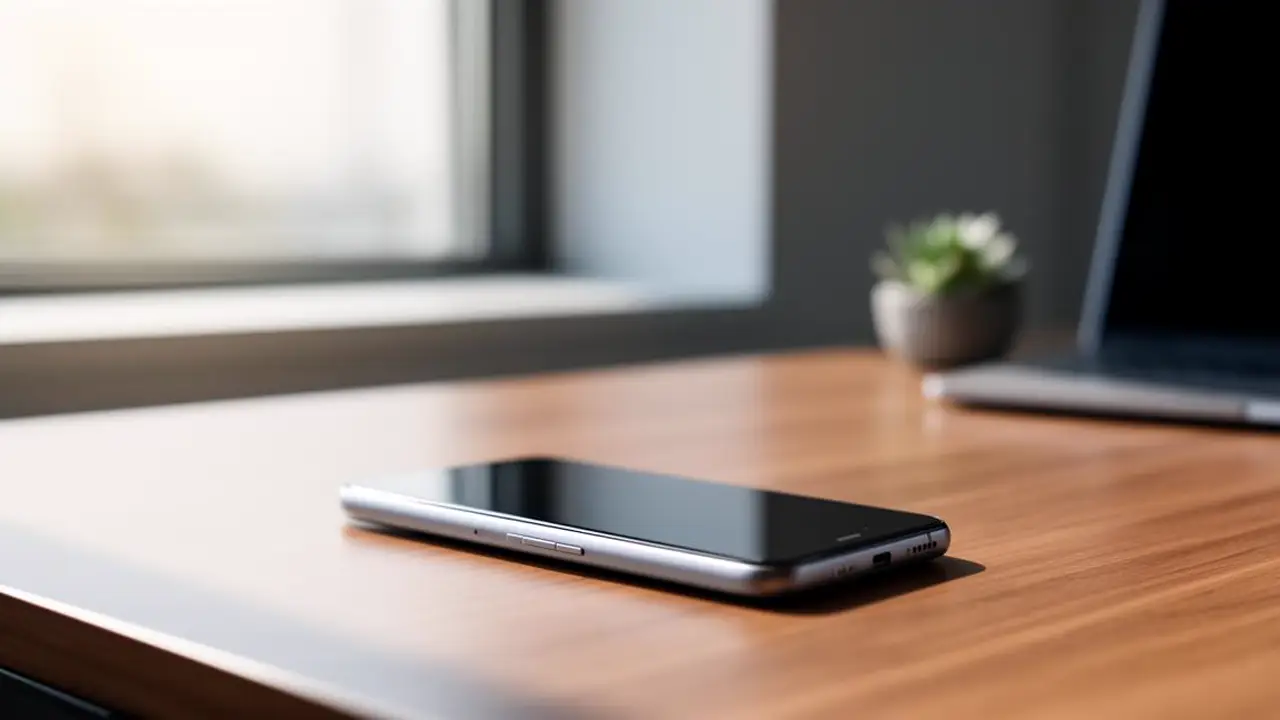
A second phone counts, and so does a smartwatch, a tablet, or a borrowed phone used alongside your own. One device means one device: the phone you logged in on.
Log in on one phone only
Log in on the phone you will sit the exam on, and stay on that phone. Our login notes explain the login in full, including why a second login can confuse the session.
If you must borrow a phone
Borrowing a phone is fine, as long as it is the only phone you use. Install the app on the borrowed phone, test the login on it, and leave your own phone at home or switched off in your bag.
Practise on the real phone
Do your practice run on the phone you will use for the exam. A practice run on a different phone proves the other phone works, not yours.
During the exam
Keep the one phone on the desk, screen up, and nothing else beside it. If a second device is in your bag, leave it there, switched off, until the exam ends.
After the exam
Once you submit, the rule ends with the exam. Pick up your other devices, check your messages, and go home. Our exam rules notes cover the rest of the exam rules, including what happens after submit.
Conclusion
One student, one phone, one login. Follow that, and the device rule takes care of itself.
Quick Answers
Can I use two phones for the ExamBPPP exam?
No. The exam is built around one device per student. Use the one phone you logged in on, and leave any second phone switched off in your bag.
Can I borrow a phone for the ExamBPPP exam?
Yes, as long as it is the only phone you use. Install the app on it, test the login on it, and use it for the whole exam.
Does a smartwatch count as a second device?
Yes. A smartwatch counts as a second device during the exam. Leave it in your bag until the exam ends.
What if I log in to ExamBPPP on two phones by mistake?
Log out of the second phone at once and stay on the exam phone. Tell the supervisor what happened so there is no confusion.