Guide
ExamBPPP Exam Rules: What You May and May Not Do
The full list of what is allowed and what is not during the locked ExamBPPP exam.

Contents On this page
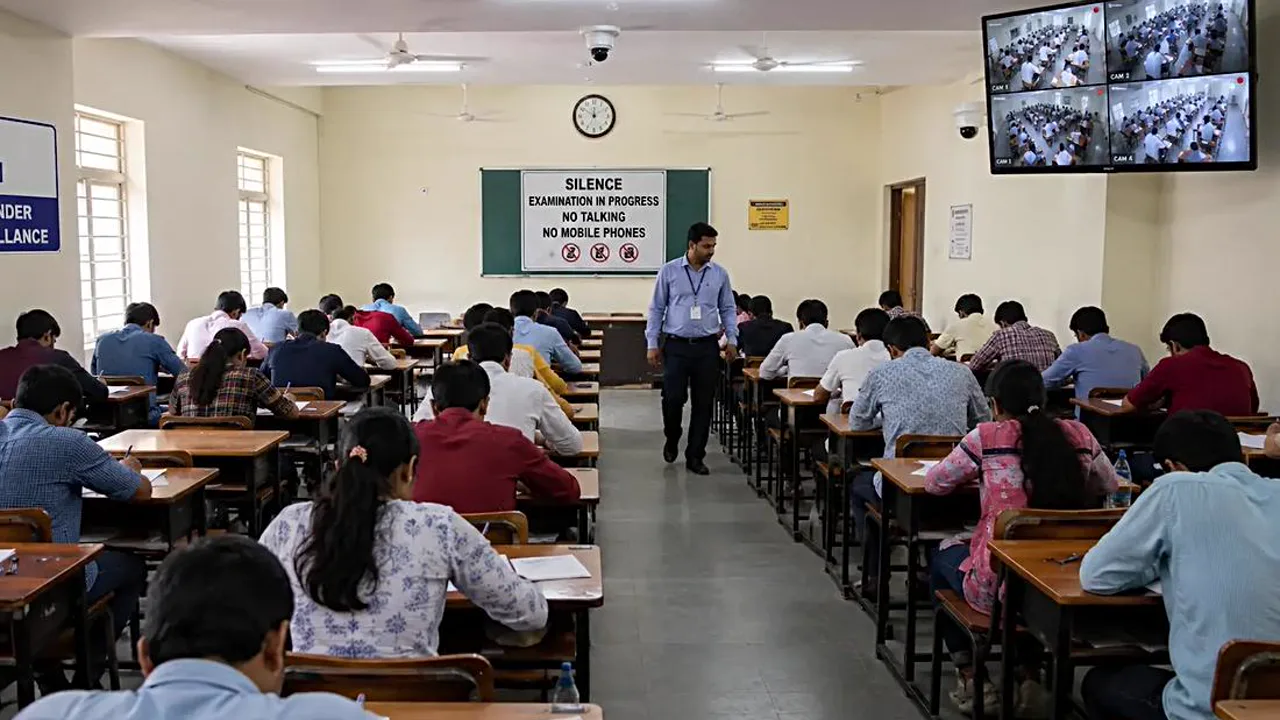
Every exam has rules, and a locked exam browser enforces most of them automatically. This note lists what you may and may not do during the ExamBPPP app exam, so nothing surprises you.
When in doubt, the rule is simple: if it is not the exam itself, do not do it.
What you may do
You may answer questions, move between questions, review unanswered ones, and submit when you are done. You may raise your hand and ask the supervisor a question. You may drink water if your school allows it.
What you may not do: other apps
You may not open another app, a browser, a chat, or a calculator during the exam. The locked screen blocks them, and trying to open them is noticed. Our locked screen notes explain exactly what the lock blocks.
What you may not do: help from others
You may not ask another student for answers, and you may not let another student use your login. Your Participant ID is yours alone, and sharing it is a serious breach.
What you may not do: second devices
You may not use a second phone, a smartwatch, or notes hidden on the desk. Our one device notes explain the one device rule in full.
Calls and messages
Put the phone on silent and tell family not to call during the session. An incoming call can pull you out of the locked screen, and every exit is noticed.
Breaks during the exam
If you need a break, ask the supervisor. Do not leave the room without telling them, and do not take the phone with you.
After you submit
Once you submit, the exam is over. Close the app, stay quiet for students still working, and leave the room when the supervisor says so. Our after submit notes explain what happens to your answers after submit.
Conclusion
Answer the questions, and do nothing else. The rules are simple, the lock enforces them, and a calm student has nothing to worry about.
Quick Answers
Can I use a calculator during the ExamBPPP exam?
No, unless the assessment itself provides one on screen. Opening another app, including a calculator, is blocked by the locked exam screen.
Can I ask another student for help during the ExamBPPP exam?
No. Asking another student for answers, or letting another student use your login, is a serious breach of the exam rules.
Can I use a second phone during the ExamBPPP exam?
No. The exam is built around one device per student, and a second phone on the desk breaks the whole idea.
What happens if I break a rule in the ExamBPPP exam?
Tell the supervisor at once if something happens by accident. Honest, early reports are always treated better than a rule broken in silence.