Guide
What the ExamBPPP Locked Screen Does During the Test
The lock is the whole point of an exam browser. Here is what ExamBPPP blocks, what it allows, and what happens when the test ends.

Contents On this page
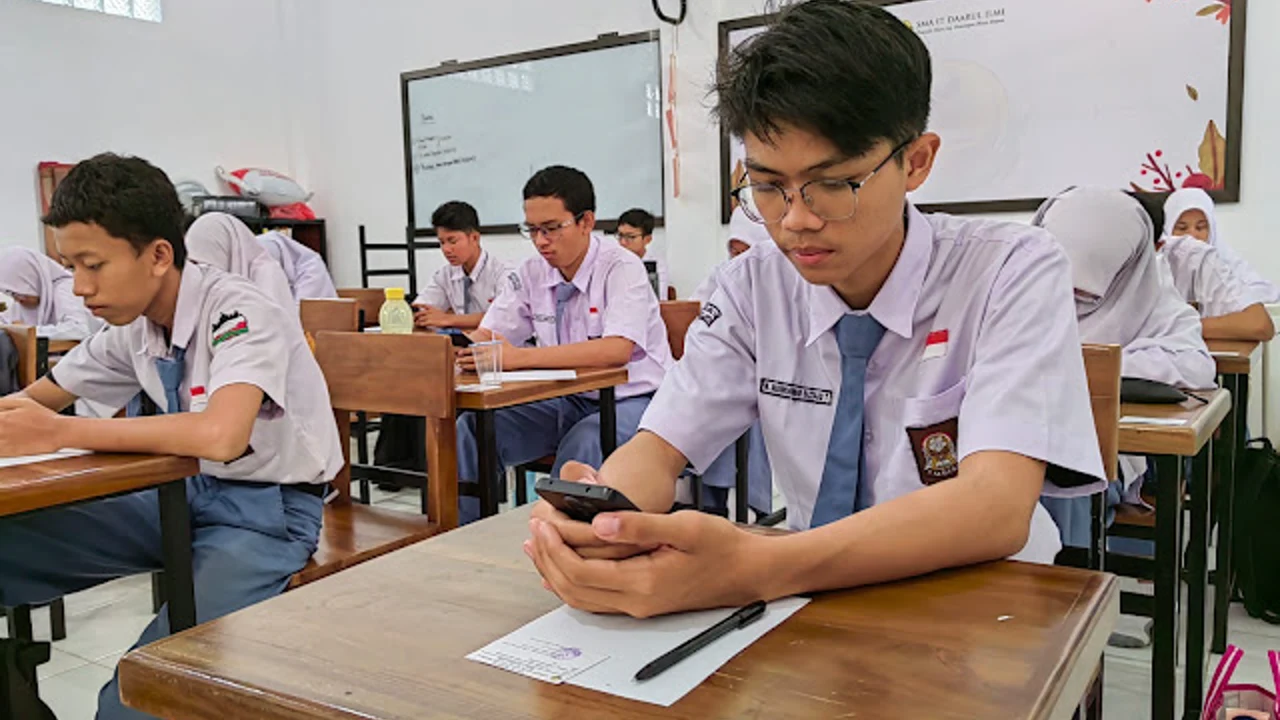
Once the assessment starts, ExamBPPP for Android locks the device into a secure exam environment. This note explains what that lock actually does, what it blocks, what it still allows, and what happens when the test ends.
The lock sounds strict, and it is meant to be. Every student sits the same assessment under the same conditions, and the lock is what makes that promise true.
What the lock blocks
While the exam runs, the app blocks switching to other apps, opening a browser, and taking screenshots. Notifications are silenced so nothing pops over a question. The point is not to punish anyone: it is to keep every student in the same room, figuratively speaking.
What still works during the test
The exam itself keeps working: questions, answers, moving between questions, and the submit button. The timer keeps running, and the connection to the assessment stays live. Nothing you need for the test is locked away.
If you leave the app by accident
If the app closes or the phone restarts, reopen ExamBPPP at once and log in again with the same Participant ID and Password. Tell the exam supervisor what happened. A quick, honest return is far better than a long absence.
Calls and messages during the exam
Put the phone on silent and tell family not to call during the session. An incoming call can pull you out of the locked screen, and every exit is noticed. Our exam rules notes cover the full list of what is allowed and what is not.
When the lock lifts
The lock lifts when you submit the assessment. Your phone returns to normal at once: other apps open, notifications return, and the exam is over. Our after submit notes explain what happens to your answers after that moment.
Why the lock needs one device
The lock only works if the exam runs on one device. A second phone on the desk breaks the whole idea, which is why the assessment is built around one phone per student. Our one device notes explain the device rule in full.
If the lock does not engage
If the app starts the exam without locking, close it and reopen it, then log in again. If the problem repeats, tell the supervisor before answering anything. Starting an unlocked exam is worse than starting late.
Conclusion
The locked screen blocks everything except the exam itself, and it lifts the moment you submit. Respect it, prepare for it, and it stays invisible while you work.
Quick Answers
Can I switch apps during the ExamBPPP exam?
No. The locked exam screen blocks switching to other apps, opening a browser and taking screenshots while the assessment runs.
What happens if ExamBPPP closes during the exam?
Reopen it at once and log in again with the same Participant ID and Password, and tell the exam supervisor what happened.
Does the ExamBPPP lock end when I submit?
Yes. The lock lifts the moment you submit the assessment, and your phone returns to normal at once.
Can I take a screenshot during the ExamBPPP exam?
No. Screenshots are blocked while the locked exam screen is active.