Guide
ExamBPPP Internet Drops Mid Exam: What to Do
Stay calm, stay in the app, and let it reconnect. Here is the full playbook for a bad connection.

Contents On this page
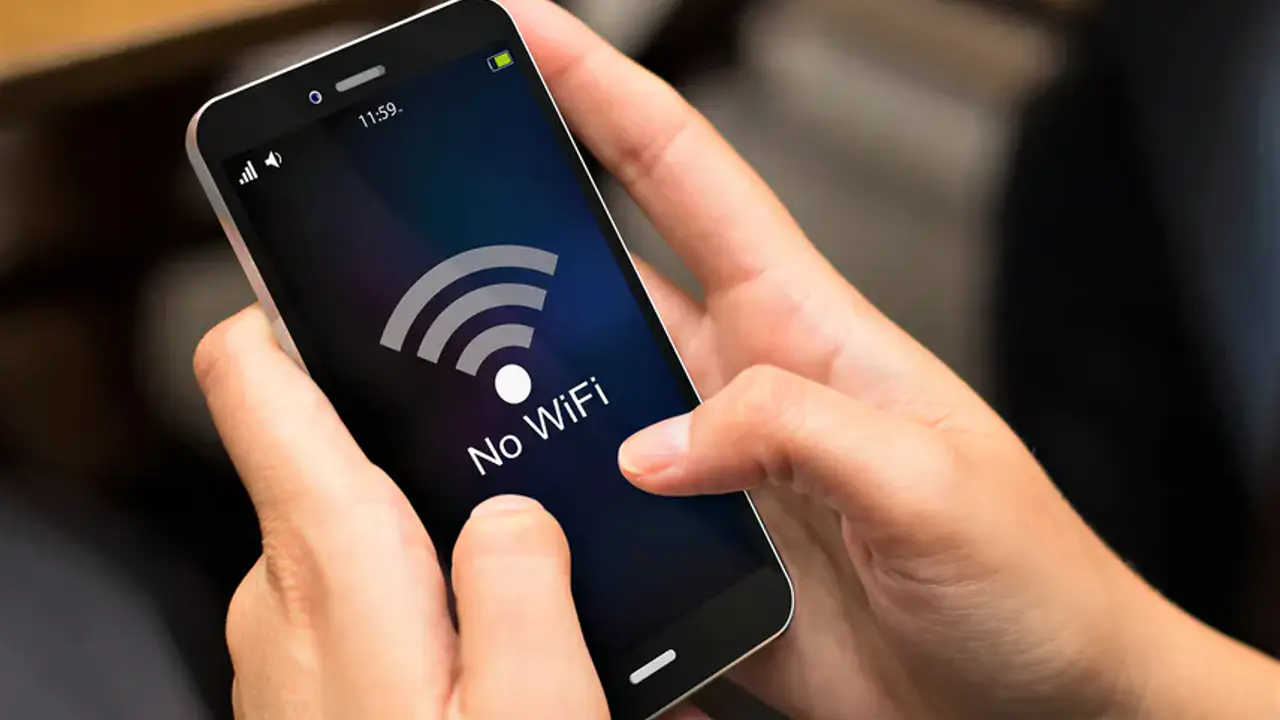
A dropped connection mid exam feels like a disaster, and it usually is not one. This note is the playbook for a bad connection in ExamBPPP exam browser, and the first rule is the simplest: stay in the app.
Read this before exam day, not during it. Knowing the steps in advance is what keeps a dropped connection small.
Stay in the app
Do not close ExamBPPP and do not switch to another app. The exam is built to survive short breaks in connection, and the app reconnects on its own when the network returns. Leaving the app is what turns a small break into a real problem.
Wait and watch the screen
Give it a minute. The app will show the connection state, and most drops clear in seconds. Answering can usually continue once the connection returns, and your answers are kept on the phone until they can be sent.
Switch networks if it stays down
If the Wi-Fi stays down, the phone may offer mobile data. Switch only if your school allows it and the signal is stronger. Do not walk around the room hunting for signal during the exam.
Tell the supervisor
Raise your hand and tell the exam supervisor the connection dropped. They need to know, and they can confirm whether the problem is yours alone or the whole room. Honest, early reports are always better than silent ones.
If the app closes anyway
Reopen ExamBPPP at once and log in again with the same Participant ID and Password. Your answers are kept, and the exam resumes where it stopped. Our locked screen notes explain the locked screen and what happens when you leave it.
Prepare the connection before exam day
Test the connection where you will sit the exam, the day before. Our device check notes explain the internet check, and our exam day checklist cover the rest of exam morning, including arriving early enough to test the connection calmly.
After the exam
Submit once and wait for the confirmation. If the connection was unstable, the confirmation matters even more: it is the proof your answers went through.
Conclusion
A dropped connection is a pause, not a failure. Stay in the app, wait, tell the supervisor, and let the app reconnect.
Quick Answers
What happens if the internet drops during the ExamBPPP exam?
Stay in the app and let it reconnect. The exam is built to survive short breaks, and your answers are kept on the phone until they can be sent.
Should I close ExamBPPP if the internet drops?
No. Closing the app turns a small break into a real problem. Stay inside it and wait for the connection to return.
Will I lose my answers if the connection drops?
No. Answers are kept on the phone and sent when the connection returns. Submit once at the end and wait for the confirmation.
Who do I tell if the internet drops in the exam?
Tell the exam supervisor at once. They need to know whether the problem is yours alone or the whole room.